

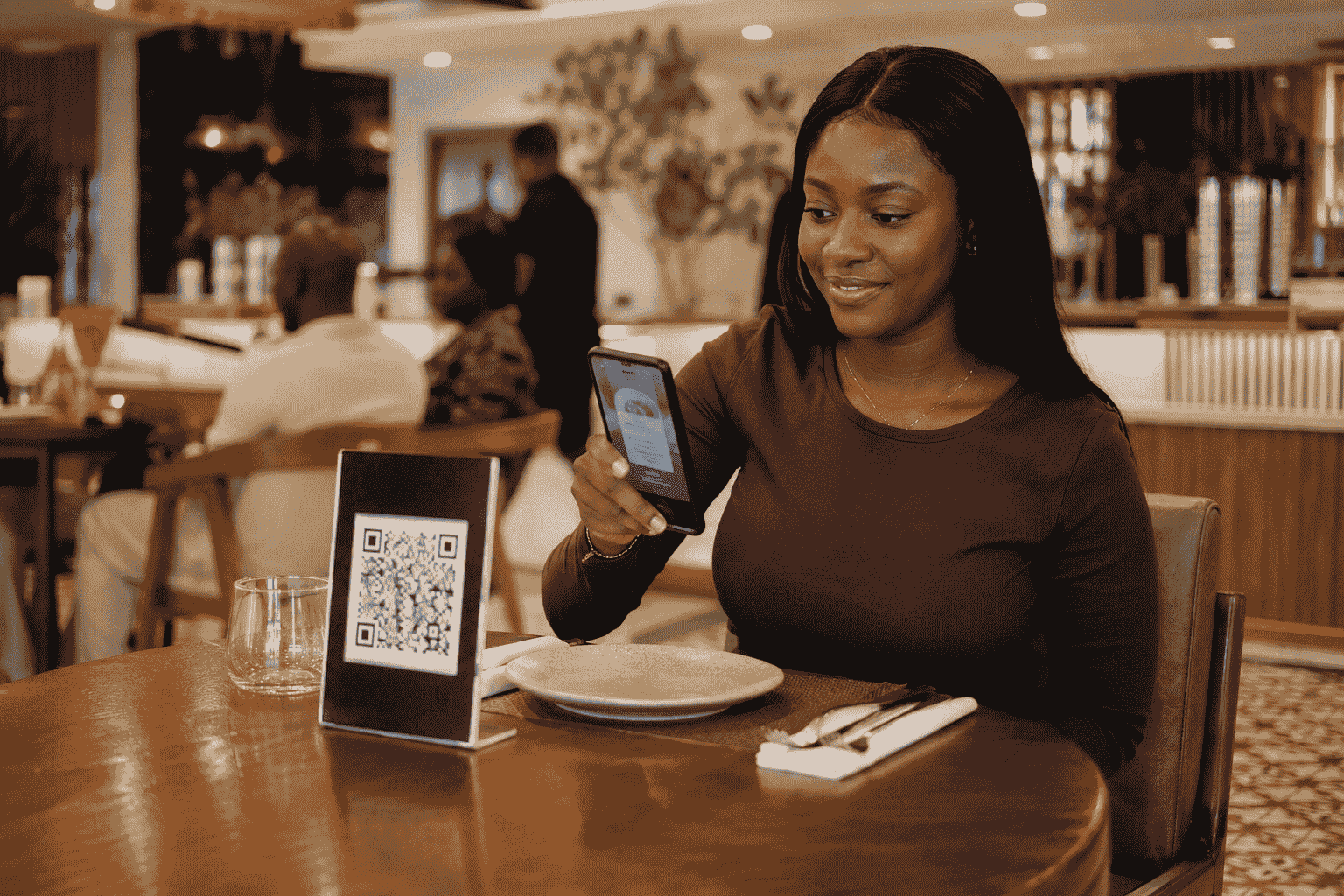
Picture this. A customer walks into a restaurant in Lekki on a Friday evening, sits down, and instead of a waiter dropping a laminated menu on the table, they see a small printed card that says “Scan to view menu.” They point their phone camera at it, a link pops up, they tap it, and in two seconds the full menu — food, drinks, prices, even photos of the jollof rice and grilled fish, is right there on their screen. No app to download. No waiting for a waiter to bring a menu that’s missing a page or has jollof rice at a price that changed three weeks ago.
That’s a digital menu. And if you own a restaurant, café, lounge, or any kind of food business in Lagos, this is quickly becoming the standard, not the exception.
If you’ve been hearing the term “digital menu” or “QR menu” thrown around and you’re not entirely sure what it means, how it works, or whether your business actually needs one, this post is for you. No tech jargon, no sales pressure, just a clear explanation.
What Exactly Is a Digital Menu?
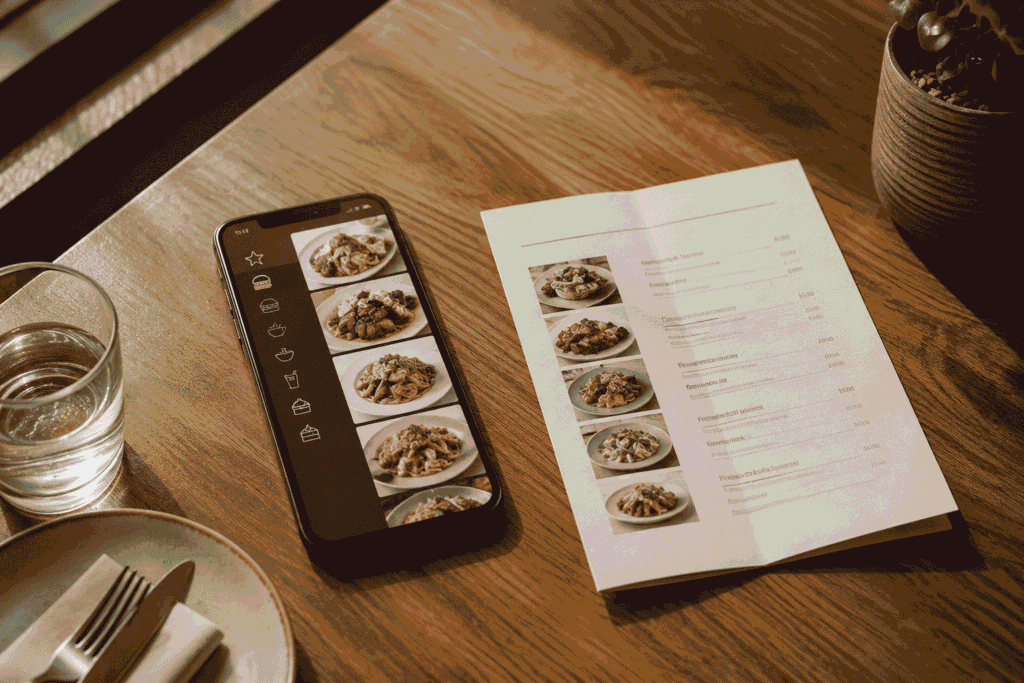
In the simplest terms: a digital menu is your restaurant’s menu, but online instead of on paper.
Instead of printing your food and drinks list on paper, laminating it, or writing it on a chalkboard, your menu lives on a webpage. Customers access that webpage by scanning a QR code, that small black-and-white square pattern you’ve probably seen on tables at some newer restaurants around Lagos.
That’s it. That’s the whole idea. It’s not complicated, and it’s not some advanced tech thing that only big international chains can afford. A digital menu for restaurants in Lagos is now something small buka-style eateries, mid-size restaurants, and high-end lounges in VI are all adopting, because it solves real, everyday problems.
How a QR Menu Actually Works (Step by Step)
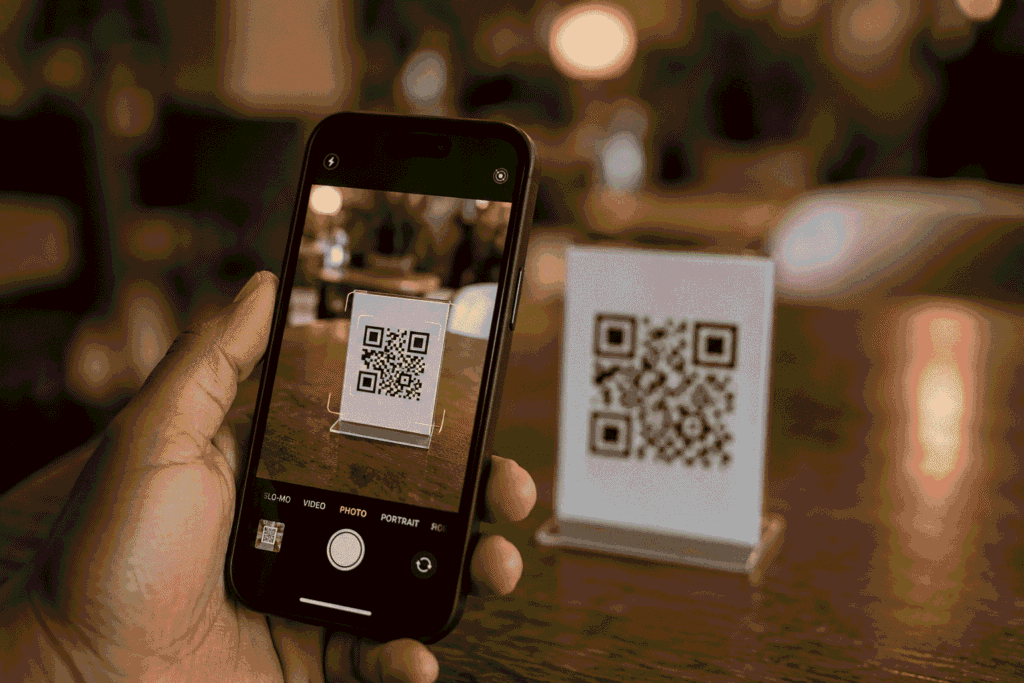
Here’s exactly what happens, in the simplest possible terms:
- You get a QR code. This is a small printed code, usually placed on a table stand, sticker, or card on each table.
- The customer opens their phone camera, no special app needed; every smartphone camera can scan a QR code these days.
- They point it at the code. A link appears on their screen.
- They tap the link, and their phone’s browser opens your menu directly, like opening any website.
- They browse your menu, scroll through categories, see prices, see photos, and decide what to order.
No app download. No account creation. No stress. The customer doesn’t need to have “the restaurant’s app” or sign up for anything. It just opens like a webpage, because that’s what it is.
This simplicity is exactly why a QR menu for restaurants in Nigeria works so well. Lagos customers are busy, impatient, and won’t download an app just to see what you’re selling. A digital menu meets them where they already are: their phone browser.
Two Types of Digital Menus: Browse-Only vs Full Ordering
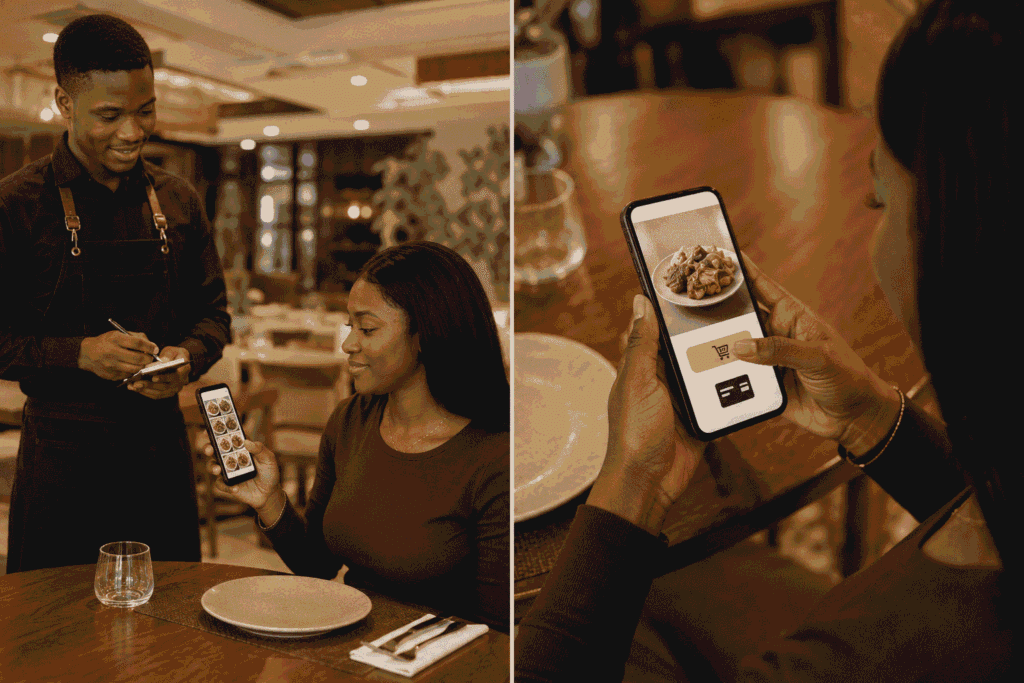
Not all digital menus work the same way, and it’s worth understanding the difference so you know what fits your business.
1. Browse-only digital menu This is the simplest version. The customer scans the code, sees your menu with prices and photos, decides what they want, and then tells the waiter or walks up to the counter to place the order and pay as usual. You still have your normal service flow; the only thing that’s changed is how the menu itself is presented.
This is a great starting point for restaurants that want the benefits of a digital menu without changing how their staff or till system currently works.
2. Full ordering with payment This is the more advanced version. The customer scans the code, browses the menu, adds items to a cart, places the order directly from their phone, and can even pay online before the food is prepared. This works well for fast food spots, quick-service restaurants, and busy lounges where speeding up the order-to-kitchen process matters.
Most restaurants I work with start with the browse-only version, get comfortable with it, and then move to full ordering once they see how their customers respond.
What a Digital Menu Actually Replaces
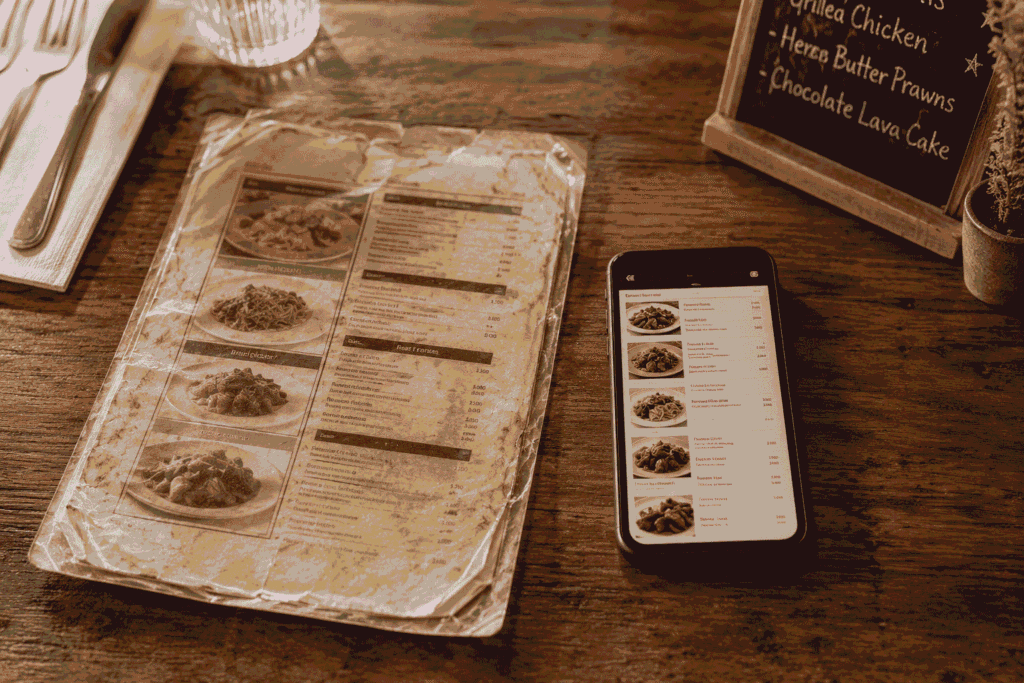
To really understand the value, it helps to look at what a digital menu takes off your hands.
Printed Menus
Anyone running a restaurant in Lagos knows the printing cycle. You design a menu, take it to the printer, pay for however many copies and laminate them so they survive being handled all day, and then a few weeks or months later, prices change, a dish gets removed, a new drink gets added, and you’re back at the printer again. It’s a repeating cost that never really stops, and it always feels like it happens at the worst time.
Chalkboard Specials
Chalkboards look nice, but they’re a manual task someone has to update every single day, and handwriting isn’t always easy to read, especially from a table across the room or for a customer sitting where the lighting isn’t great.
Laminated Price Lists
These get sticky, stained, torn at the corners, and honestly, after a few months of daily use in a busy restaurant, they start to look worn out, not the image you want to present to a customer walking in for the first time.
A digital menu removes all three of these. One link. One place to update. No printing, no chalk, no lamination.
The Real Problems This Solves for Lagos Restaurants
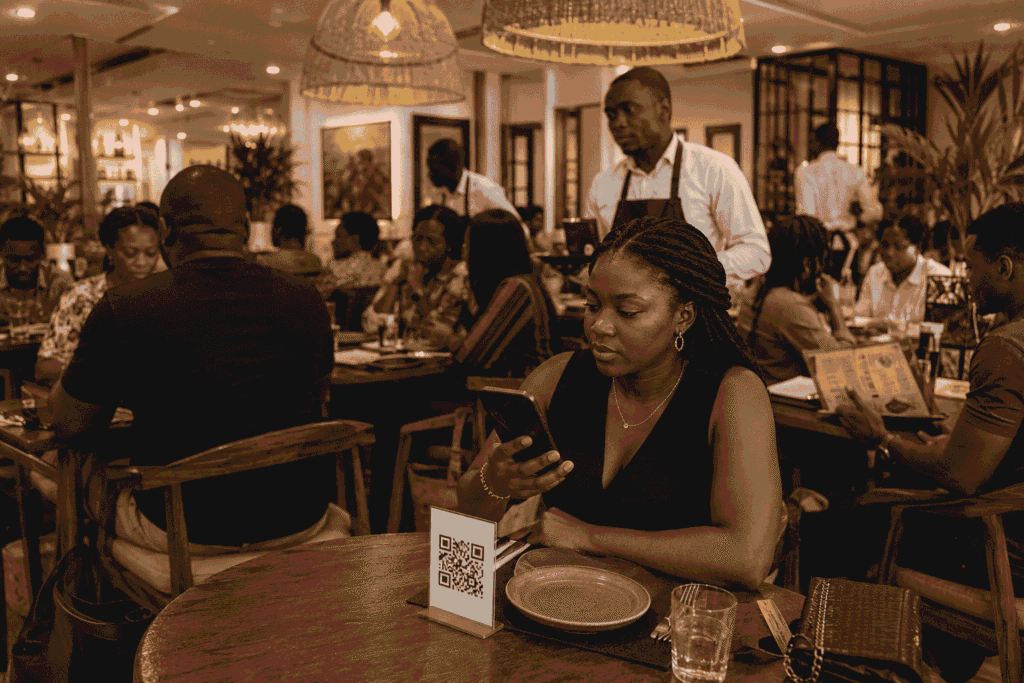
This isn’t just about looking modern. There are specific, everyday headaches that a restaurant digital menu solves for businesses right here in Lagos.
Price changes happen constantly. Fuel price increases, exchange rate movement, ingredient costs going up — all of it eventually pushes food prices up. When that happens, you shouldn’t have to throw away a stack of freshly printed menus and start again. With a digital menu, you open your dashboard, change the price of jollof rice or suya, save it, and it’s updated everywhere instantly. No reprint. No cost. No delay.
Menus get dirty and torn. In a busy restaurant, especially places doing heavy suya and small chops traffic on weekends, menus get passed from hand to hand, get oil stains, get torn pages. A digital menu never gets dirty, never tears, and always looks exactly as clean as the day you made it.
Customers can’t always read the board from their table. Not every table has a clear line of sight to a chalkboard or wall menu, especially in restaurants with sections, partitions, or outdoor seating. A digital menu is right there on their own phone, at whatever distance they’re comfortable with.
Menus go missing. It happens more than people admit, a menu gets taken, damaged, or simply disappears during a busy shift, and suddenly a table is waiting for a menu that a waiter has to go find.
No photos means customers are guessing. A printed list of names and prices doesn’t show a customer what a dish actually looks like. For dishes customers haven’t tried before, seeing a clear photo makes the decision easier and often encourages them to order something they wouldn’t have picked from text alone.
Who Actually Needs a Digital Menu?
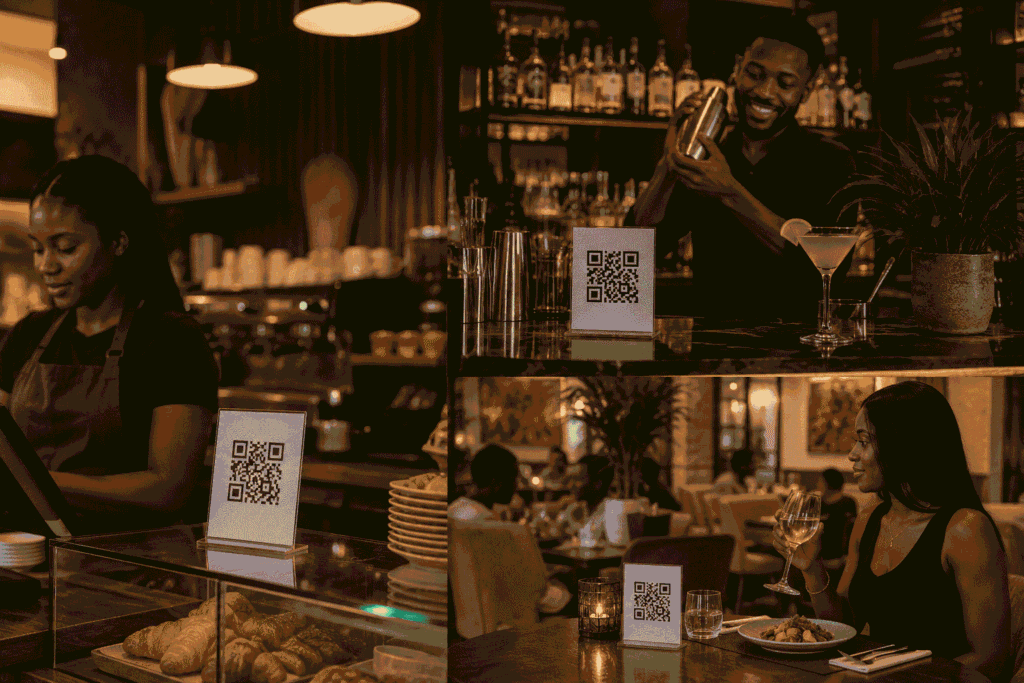
This is where I want to be clear about something: this isn’t only for restaurants. Any business that presents a list of items, prices, or services to a customer can benefit from this same setup. Here’s a breakdown:
Restaurants and eateries: the most obvious fit. Whether it’s a full-service restaurant or a local buka in Surulere, the same benefits apply: no reprinting, always up to date, always clean.
Fast food spots: where speed matters most, a digital menu (especially with ordering) helps customers decide and order faster, which keeps queues shorter.
Cafés: coffee and pastry menus change often (seasonal drinks, new additions), and cafés tend to attract a phone-comfortable crowd who are used to scanning codes already.
Lounges and bars: drink menus, especially cocktail lists, benefit hugely from photos, since a lot of customers order based on how a drink looks, not just its name.
Hotels: from in-room dining menus to poolside bar menus to restaurant menus within the hotel, a digital menu keeps everything consistent and easy to update across multiple service points.
Event centres: for catering packages, drink options at events, or vendor price lists, a digital menu gives guests a clean way to see options without printed handouts that get thrown away after one use.
Canteens: Office and school canteens dealing with daily changing meals can update what’s available each morning without rewriting a board or reprinting a list.
Salons, spas, and service businesses: while not “food,” the same QR-to-browser concept works for service price lists and packages, and I mention it because business owners in this category often ask about it too once they see a restaurant using one.
If your business shows a list of items and prices to a customer before they buy, a digital menu setup is worth considering.
How to Get One, and What It Costs
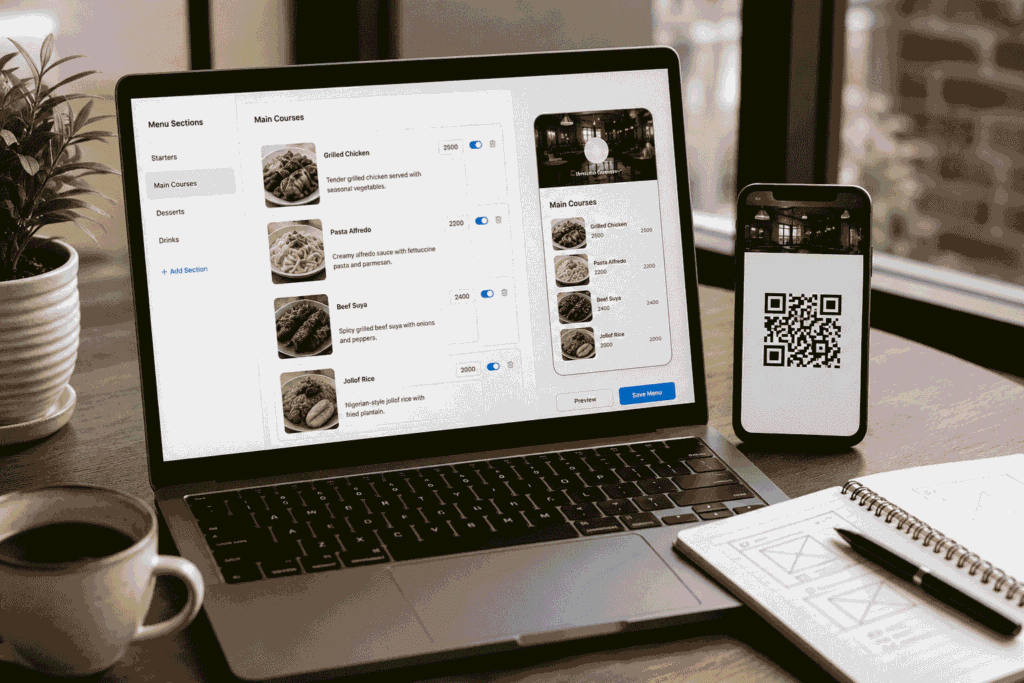
Getting a digital menu built isn’t a long or complicated process. It typically involves:
- Getting your menu content organized (categories, items, prices, photos if you have them)
- Having it built into a clean, mobile-friendly page that matches your restaurant’s branding
- Generating your QR code and getting it ready for printing on table stands or cards
- A short walkthrough so you and your staff know how to update prices or items yourselves going forward
Pricing depends on whether you want the simple browse-only version or the full ordering-with-payment system, how many menu items and categories you have, and whether you need custom design work to match your brand. As a general starting point, a straightforward browse-only digital menu for a small to mid-size restaurant in Lagos typically starts in the range of ₦80,000–₦150,000, with full ordering and payment systems costing more depending on complexity. I always give an exact quote after understanding your specific menu and needs, rather than a one-size-fits-all price.
Frequently Asked Questions
1. Do customers need to download an app to use a digital menu? No. That’s actually one of the biggest advantages. A digital menu opens directly in the customer’s phone browser after they scan the QR code: no app, no download, no account needed.
2. What if a customer doesn’t know how to scan a QR code? Almost every smartphone today can scan a QR code just by opening the camera app and pointing it at the code, no separate scanner app required. For customers who aren’t used to it, your staff can guide them the first time, and most people pick it up instantly.
3. Can I update my menu myself after it’s built? Yes. A well-built digital menu comes with a simple way for you to update prices, add new items, or remove sold-out dishes yourself, without needing to contact anyone or pay for changes.
4. Is a digital menu only useful for big or upscale restaurants? Not at all. Small eateries, local restaurants, and mid-size businesses benefit just as much, sometimes more, since they tend to feel printing costs and price-change headaches more directly.
5. What happens if there’s no internet or the QR code doesn’t scan? It’s a good idea to keep a small backup printed menu available for rare cases like network issues, but in practice, most Lagos customers have data on their phones, and QR scanning works reliably once the code is properly printed and sized.
6. Can a digital menu include drinks, specials, and different sections like a physical menu does? Yes. You can organize it into categories exactly like a printed menu — starters, mains, drinks, desserts, daily specials, and update any section independently.
Final Thoughts
A digital menu isn’t a fancy tech upgrade for the sake of looking modern, it’s a practical fix for problems Lagos food businesses deal with every single day: reprinting costs when prices change, menus that get dirty or torn during busy service, customers who can’t see a chalkboard from their seat, and the simple fact that a list of names and prices doesn’t show anyone what a dish actually looks like. Whether you run a restaurant, a café, a lounge, a hotel, an event center, or a canteen, the same QR-code-to-browser setup works, and it starts paying for itself the first time you’d otherwise have reprinted a stack of menus.
If you’re currently using printed menus or a chalkboard and you’re considering making the switch, my honest recommendation is to start with the browse-only version; it’s the simplest change with the least disruption to how your staff already works, and you can always move to full ordering later once you see how your customers respond.
I build digital menus for restaurants and food businesses in Lagos. If you want to see what one looks like before deciding, get in touch and I’ll show you a live demo: priscacreative.com/contact